
Open source · No ads · No tracking
The launcher that does everything, quietly.
Launch is a fast, private Android home screen with files, camera, documents, an AI assistant, widgets and focus tools built in, so you need fewer apps.
- 10
- languages
- 30+
- widgets & tools
- 0
- ads or trackers
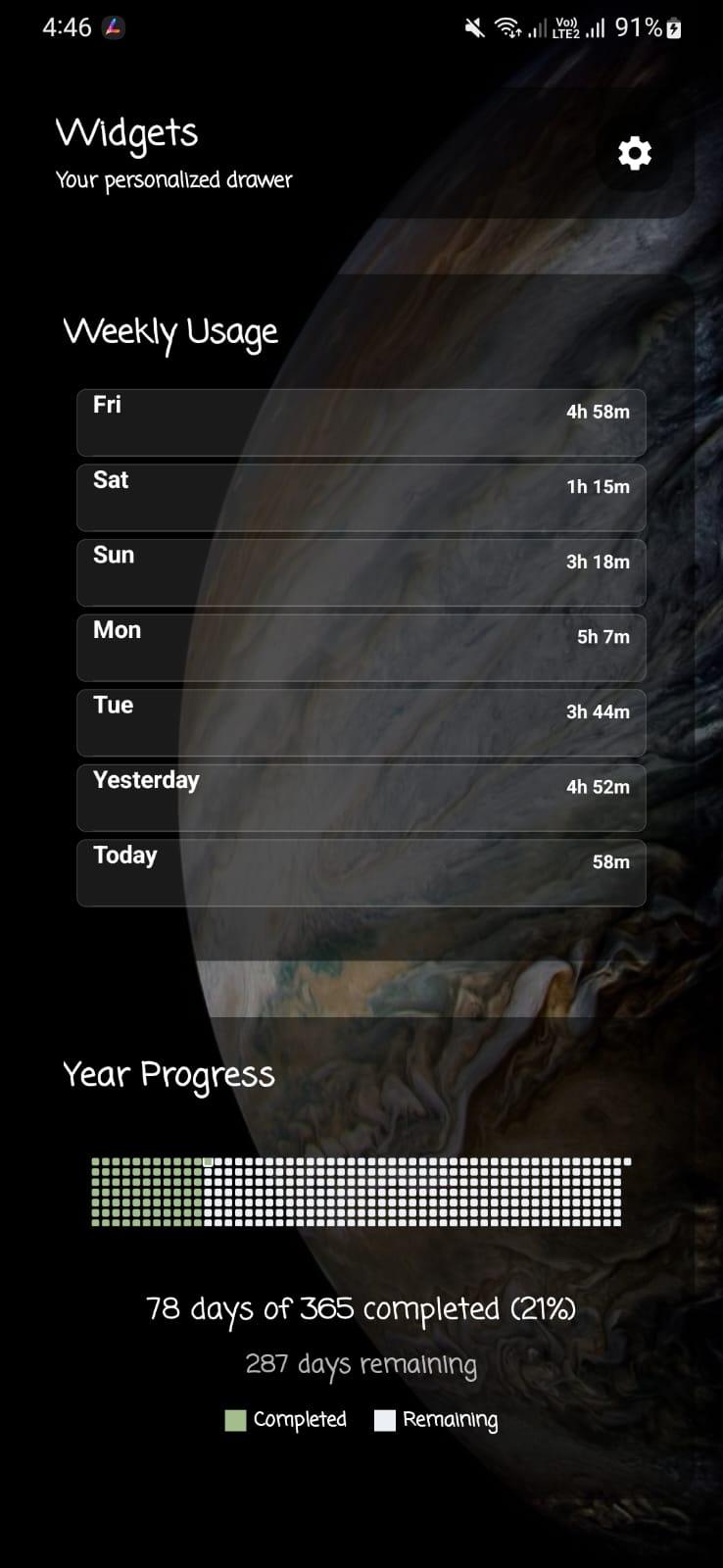
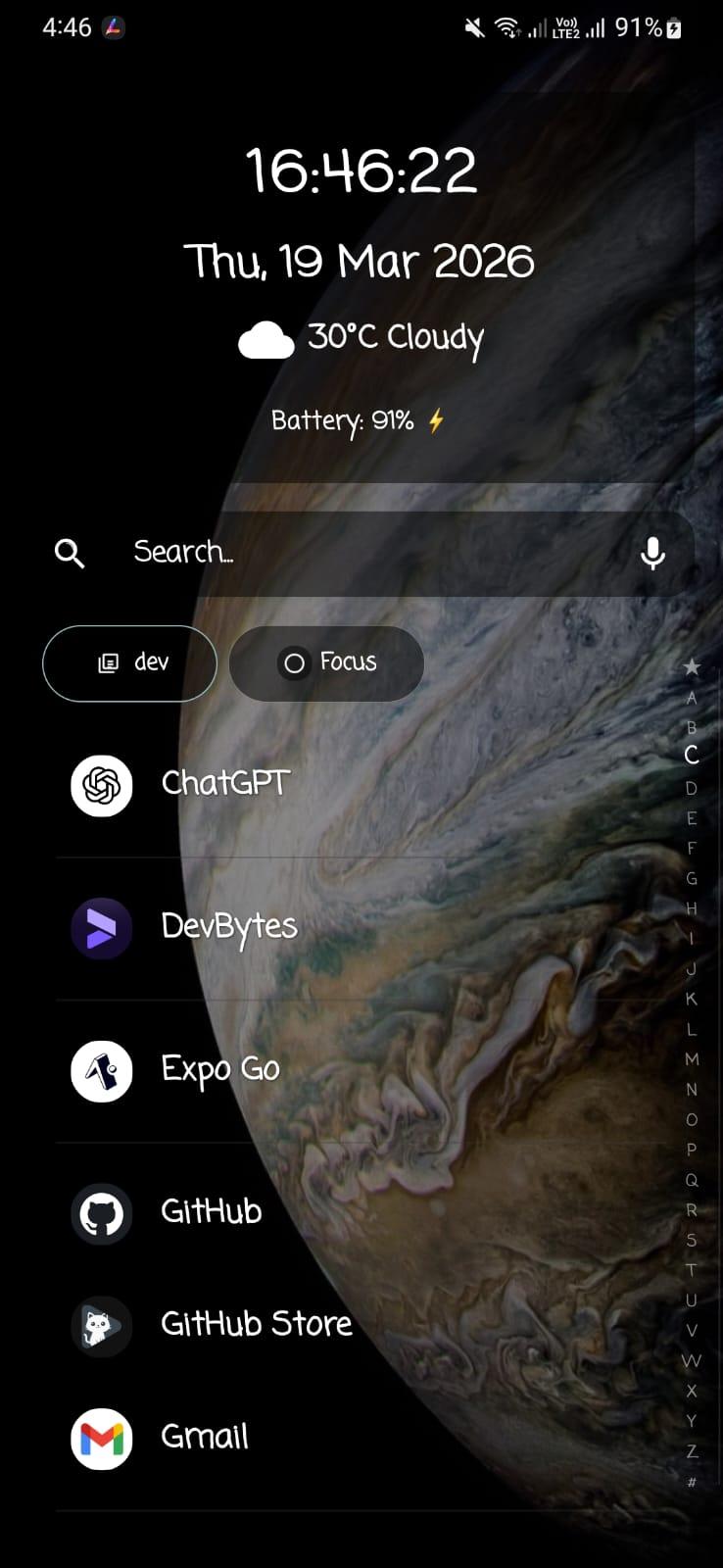
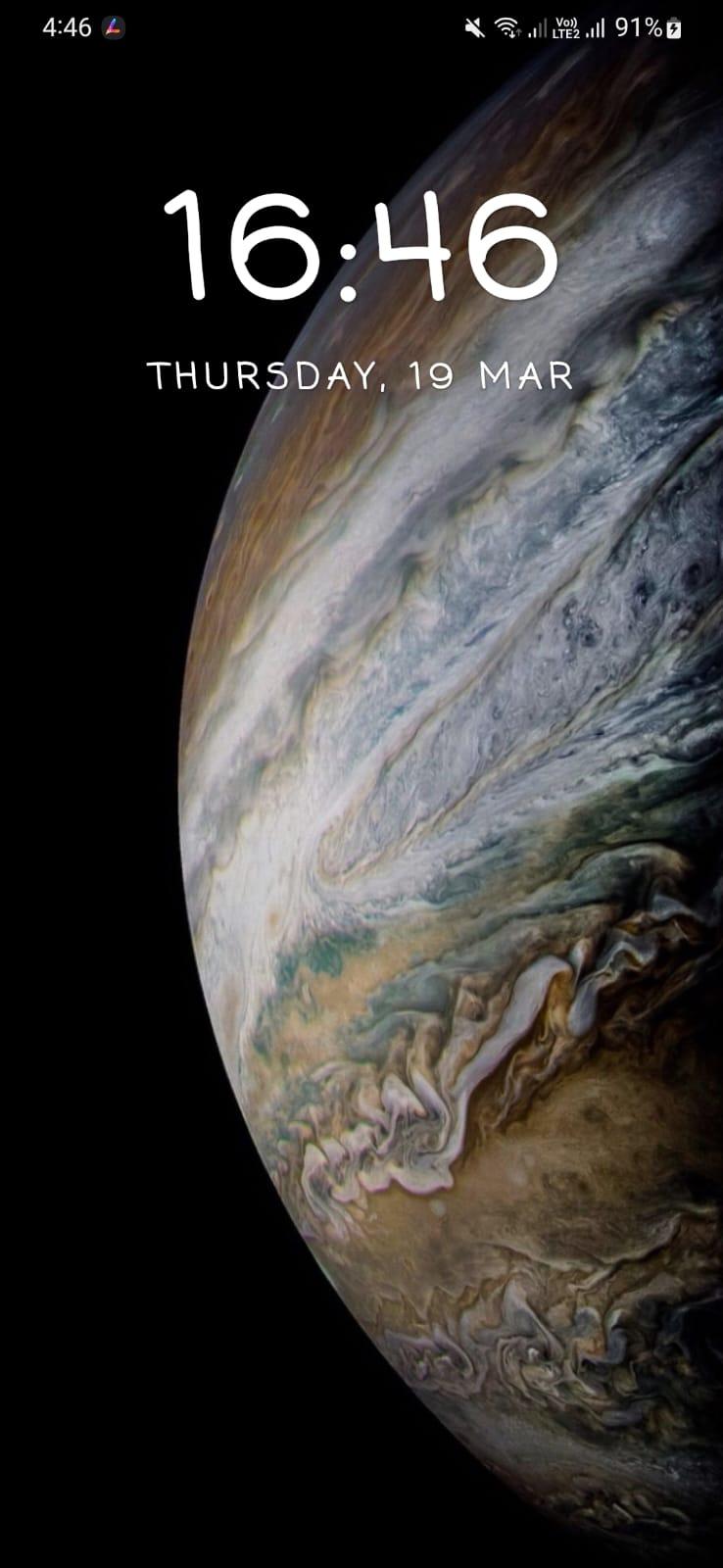
Everything in one place
Every feature works offline and locally by default. Pick what you want, ignore the rest.
Three home layouts
List, grid or a stock-style home with folders, a dock and an app drawer. Swipe between AI, wallpaper, home, widgets and news pages.
Learn moreOne search for everything
Apps, contacts, files and the web, with a built-in calculator, smart suggestions that stay on your phone, and voice commands.
Learn moreFocus and wellbeing
Focus Mode, Pomodoro timers, per-app limits, Kids Mode, grayscale and a weekly usage recap.
Learn moreWidgets that matter
To-dos, notes, calendar, weather, finance, workouts, system stats and any Android widget you like.
Learn moreFiles and storage
A full file manager with a recycle bin, ZIP support and a visual storage analyzer.
Learn moreCamera and gallery
Photo and video, a swipeable gallery and a smooth video player, all built in.
Learn moreOffline document viewer
Open PDF, Word, Excel, PowerPoint, Markdown, code and more with find, zoom and reading themes.
Learn moreCustom lock screen
Clock, swipe-away notifications, music with lyrics, flashlight and camera over the system lock screen.
Learn moreAI assistant
Run a small model fully offline, or open your favorite AI site, plus an RSS news page.
Learn moreWeb apps with ad blocking
Turn any website into an app, share it with a QR code and browse with built-in ad blocking.
Learn moreVault and backups
An encrypted vault with fingerprint unlock and backups protected by your own passphrase.
Learn moreMake it yours
Themes, accent colors, icon packs, fonts, wallpaper blur and ten languages.
Learn moreSet up in a minute
- 1
Install and open
Get Launch from Google Play. The welcome screen lets you import a backup or start fresh.
- 2
Take the 1-minute tour
A swipeable tour explains every feature and asks for each permission with a clear reason.
- 3
Make it your home
Set Launch as your home app on the last page and you are ready to go.
Private by design
- ✓ No accounts, ads, analytics or telemetry
- ✓ Notes, finance, vault and backups stay on your phone
- ✓ On-device AI that never sends what you type anywhere
- ✓ Every permission is optional and explained before you allow it

Ready to try Launch?
Free, open source and a minute away from a calmer phone.